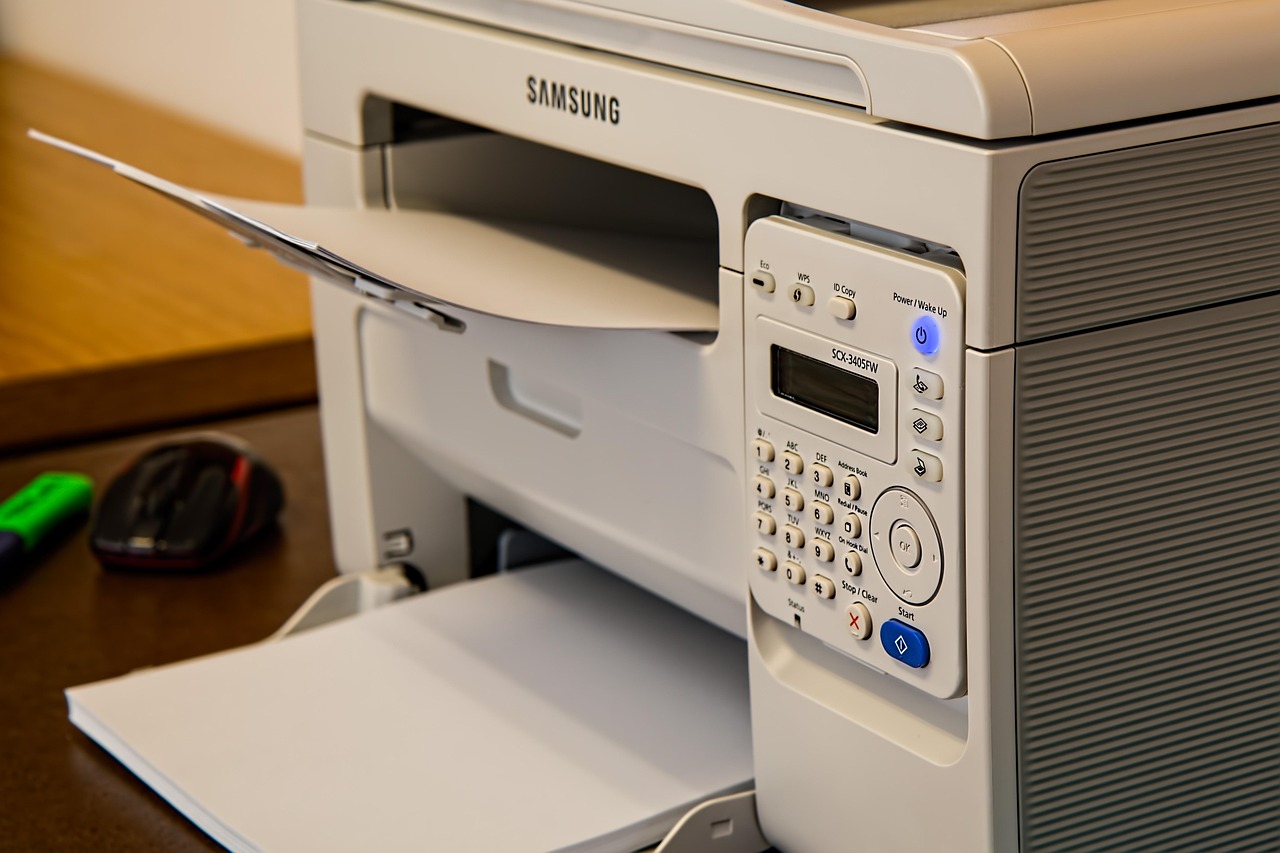
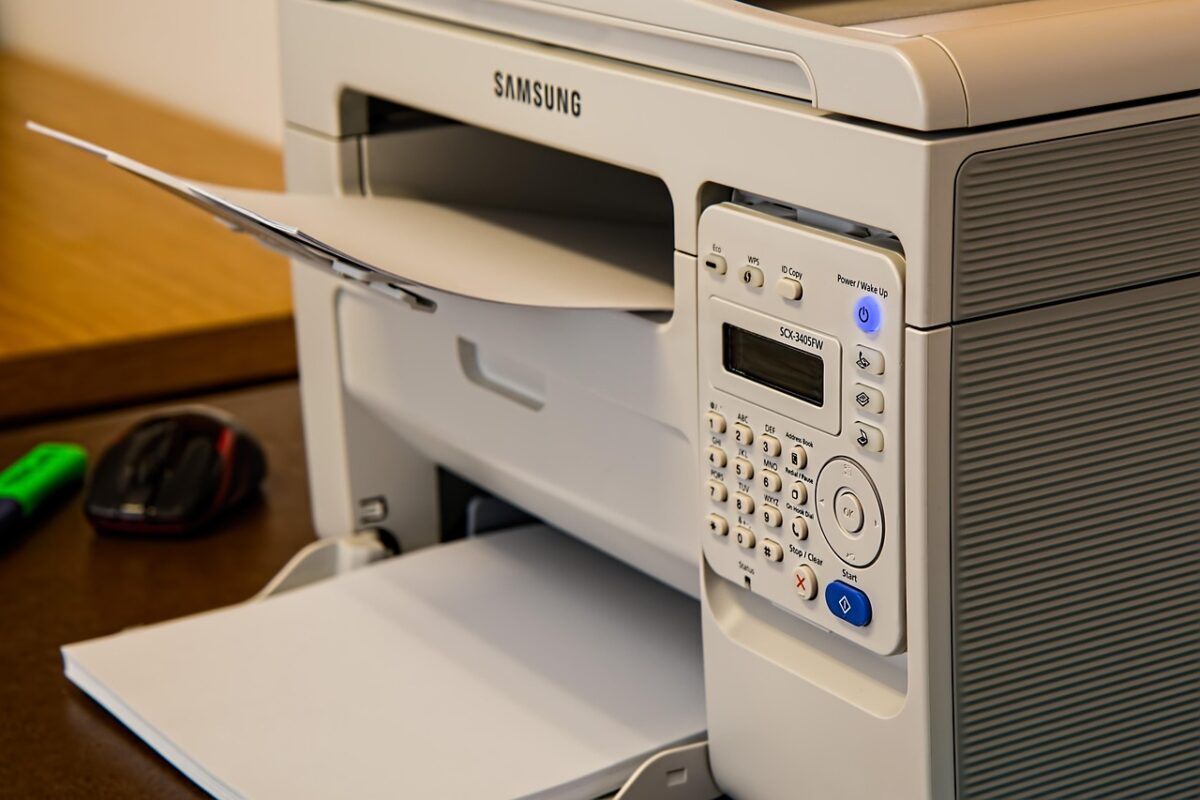
The printer is the piece of office equipment nobody plans for. It arrives, it goes on the nearest flat surface, and eighteen months later that surface is the reason the office feels cramped. A little thought at the start avoids all of it.
Weight is the first question
Desktop laser printers commonly weigh between 25 and 45 pounds, and a multifunction unit with a scanner and a duplex tray can exceed 60. That is a real load for a piece of furniture, applied to a small footprint, permanently.
Look for a published load rating on the top surface. A metal-framed printer stand will usually state 50 pounds or more. A wooden unit with a thin panel top may not publish one at all — and where a manufacturer does not publish a figure, we do not print one either. Ask us and we will check the specification sheet.
Height changes how you use it
A printer at desk height is easy to load and easy to clear jams from. A printer at ankle height is neither, and you will discover this the first time it jams.
For a machine you use daily, aim for a stand between 24 and 30 inches tall. Below that, every paper reload becomes a crouch. Mobile pedestals are typically in this range, which is one reason they work well as printer stands.
Paper access needs clearance
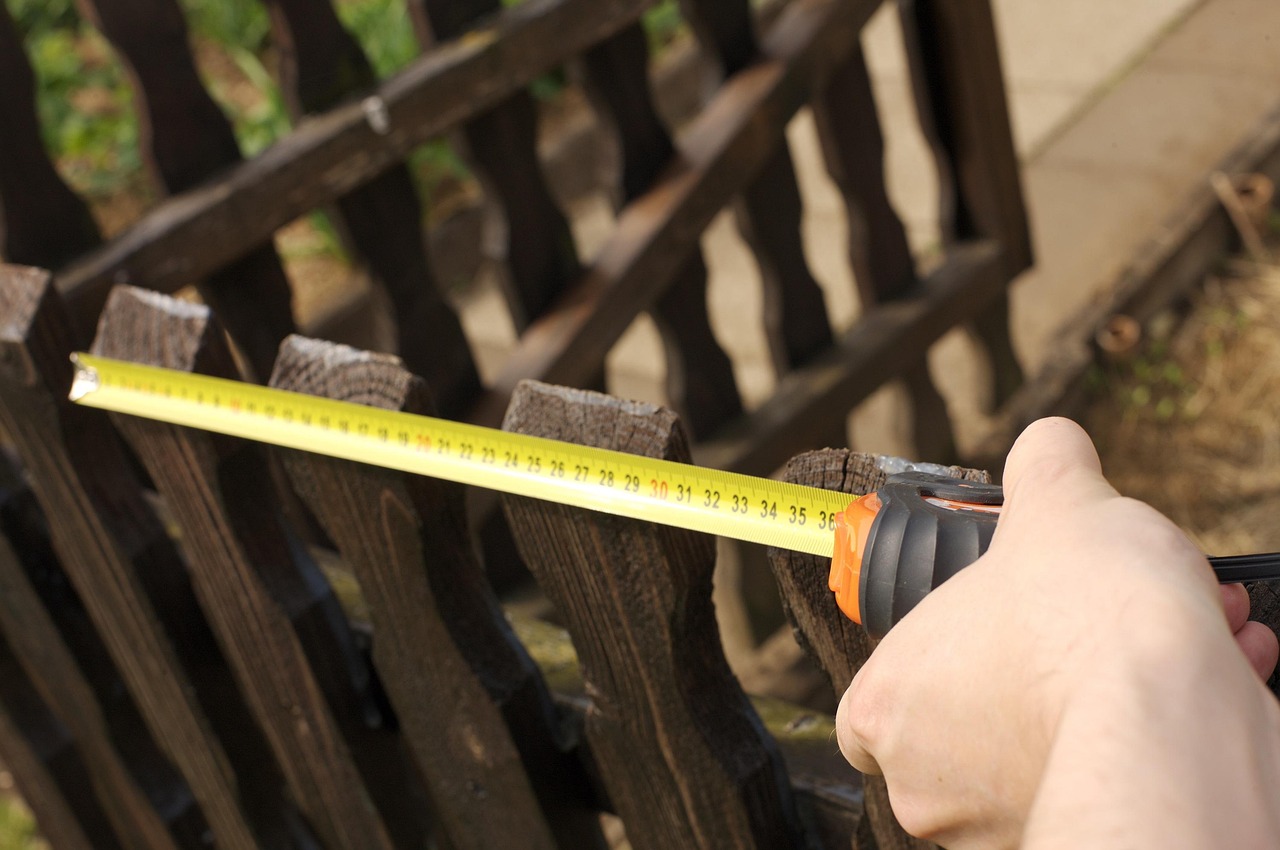
Front-loading trays pull forward and need clear space; rear feeds need clearance behind. Measure the tray extension the same way you would measure a drawer, and do not put the stand hard against a wall if the machine feeds from the back.
Leave room to open the lid on a multifunction device too — scanner lids need vertical clearance that a shelf above will not give you.
Castors are worth having
A printer on a mobile stand can be pulled out to reach cables and pushed back afterwards. A printer on a fixed shelf means moving the whole unit, or working blind behind it.
Look for locking castors on at least two wheels. An unlocked stand carrying 40 pounds moves when you pull paper out of it, which is unnerving and, over time, hard on the cables.
Cables and heat
Leave a cable route down the back rather than trapping the power lead under the unit. If the stand has a solid back panel, check whether it has a cut-out; some do not, and a trapped cable is a real hazard.
Laser printers get warm and vent from the sides or the rear. Do not box one in on three sides, and do not stack anything on top of an active machine.
Using storage under the printer
The best printer stands earn their footprint twice: paper stock and consumables in the drawers underneath, printer on top. Keep a ream of paper and a spare toner in the top drawer and you never hunt for either.
Do not store paper in a damp basement or garage before use. Damp paper is the leading cause of jams, and it is invisible until it happens.
Choosing one
A rated top of at least 50 pounds, a height between 24 and 30 inches, locking castors, a cable cut-out and a drawer deep enough for a ream of paper. See our printer stands and mobile pedestals, or send us the printer model and we will tell you what carries it.
All articles
Browse the full range in the shop, read the frequently asked questions, or contact us — Sandia Office Supply, Albuquerque, NM.